
 { Now in beta }
Your passwords, in a vault you own.
A password manager with no account, no cloud and no subscription. Your vaults are encrypted files on your devices, synced through the storage you already trust.
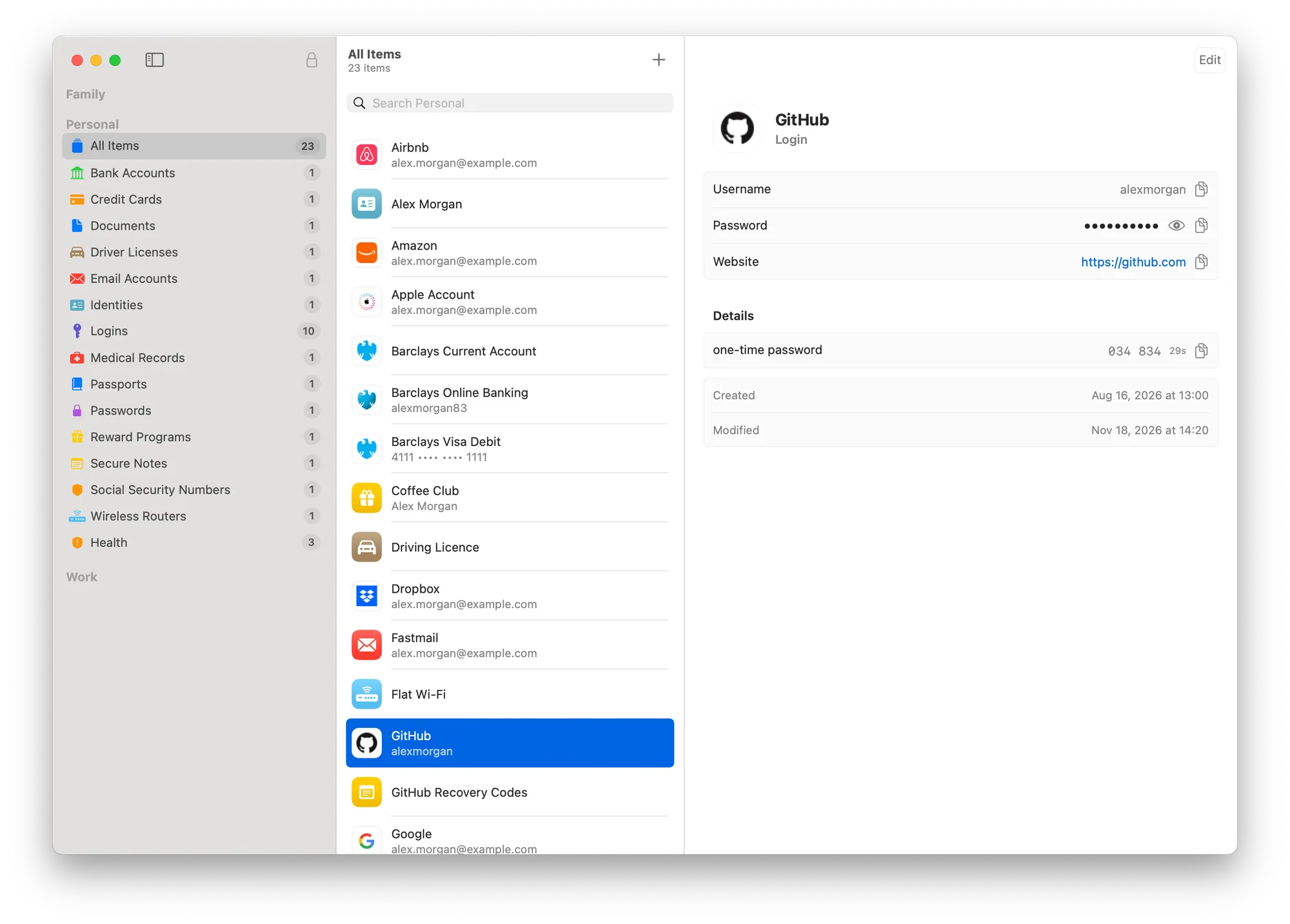
Free on your computer. Pay once for your phone.
The Mac, Windows and Linux apps are free. The iPhone and Android apps will be a one-time payment, with lifetime access. There is no subscription and no renewal, so your passwords are never held hostage by a monthly fee.
Encrypted on your device
Each vault is a single file encrypted with ChaCha20-Poly1305. Your master password is stretched with Argon2id, so guessing it is slow and expensive. Nothing is ever decrypted anywhere but on your device.
Sync with storage you already use
Keep your vault in iCloud Drive, Dropbox, Google Drive or any synced folder. Edits made on two devices at once are merged, not lost.
No account, no servers, no analytics
There is nothing to sign up for, no Crafthold cloud and no analytics or tracking in the app. We never see your vaults, your master password or which sites you use.
Everything in one place
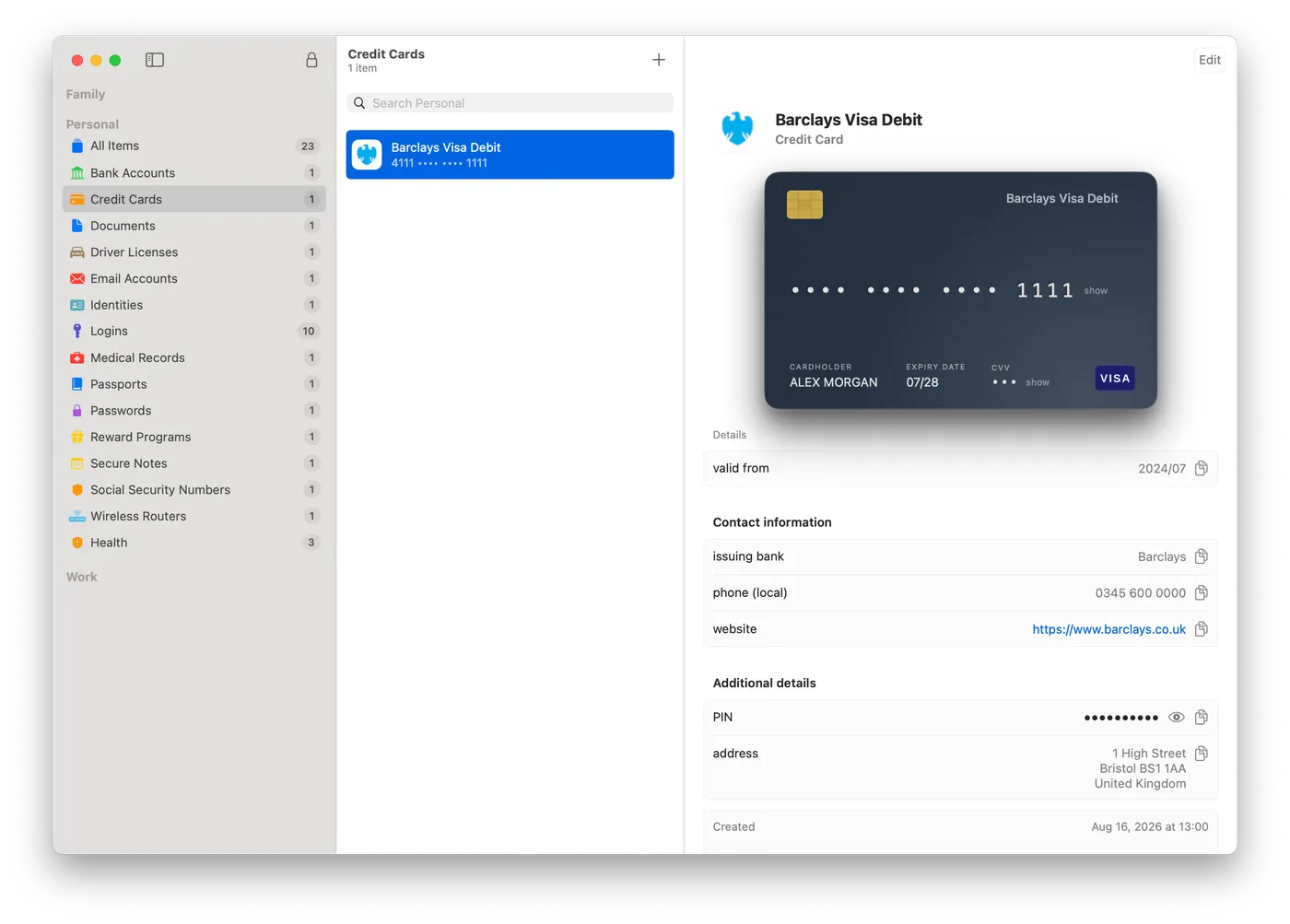
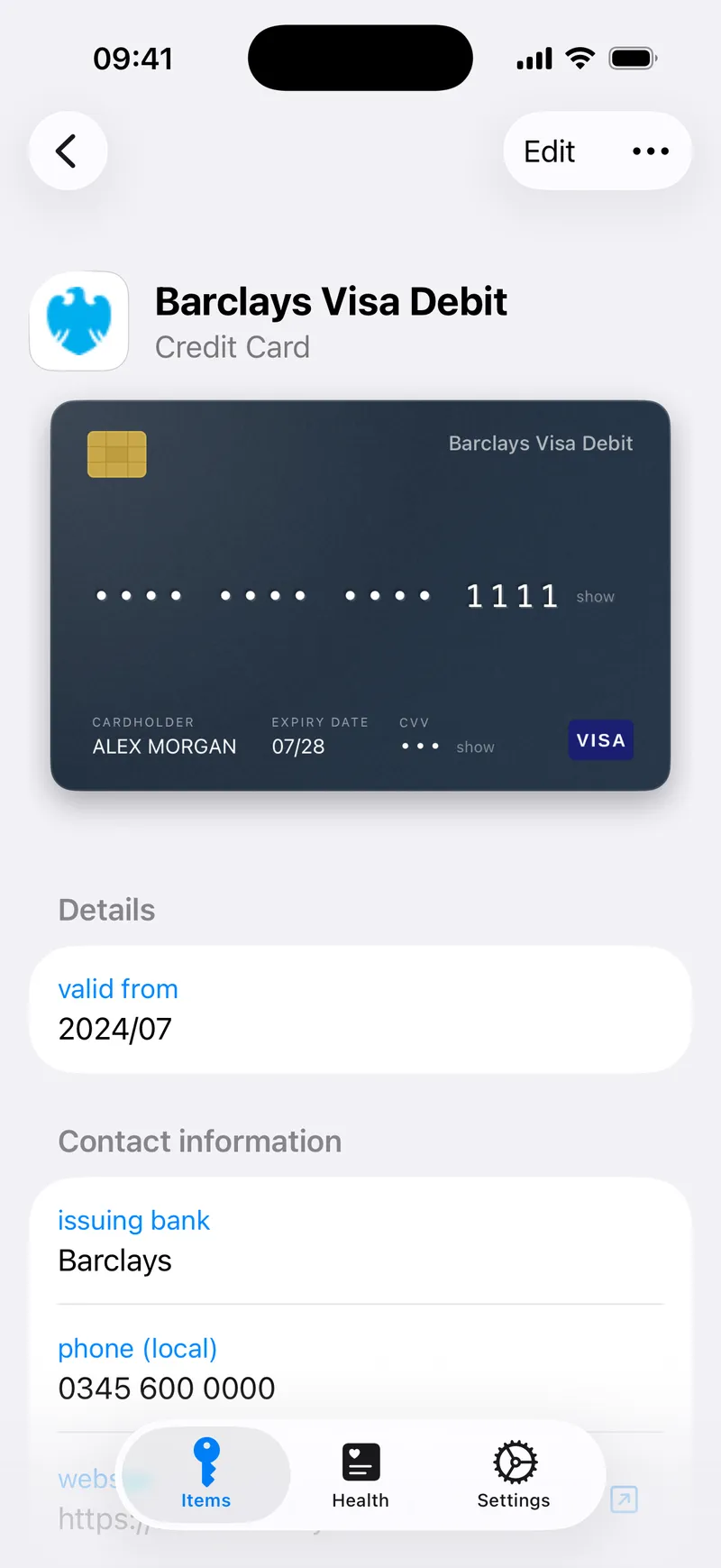
Logins, one-time codes (TOTP), credit cards, passports, driving licences, bank accounts, Wi-Fi networks, software licences, secure notes and file attachments.
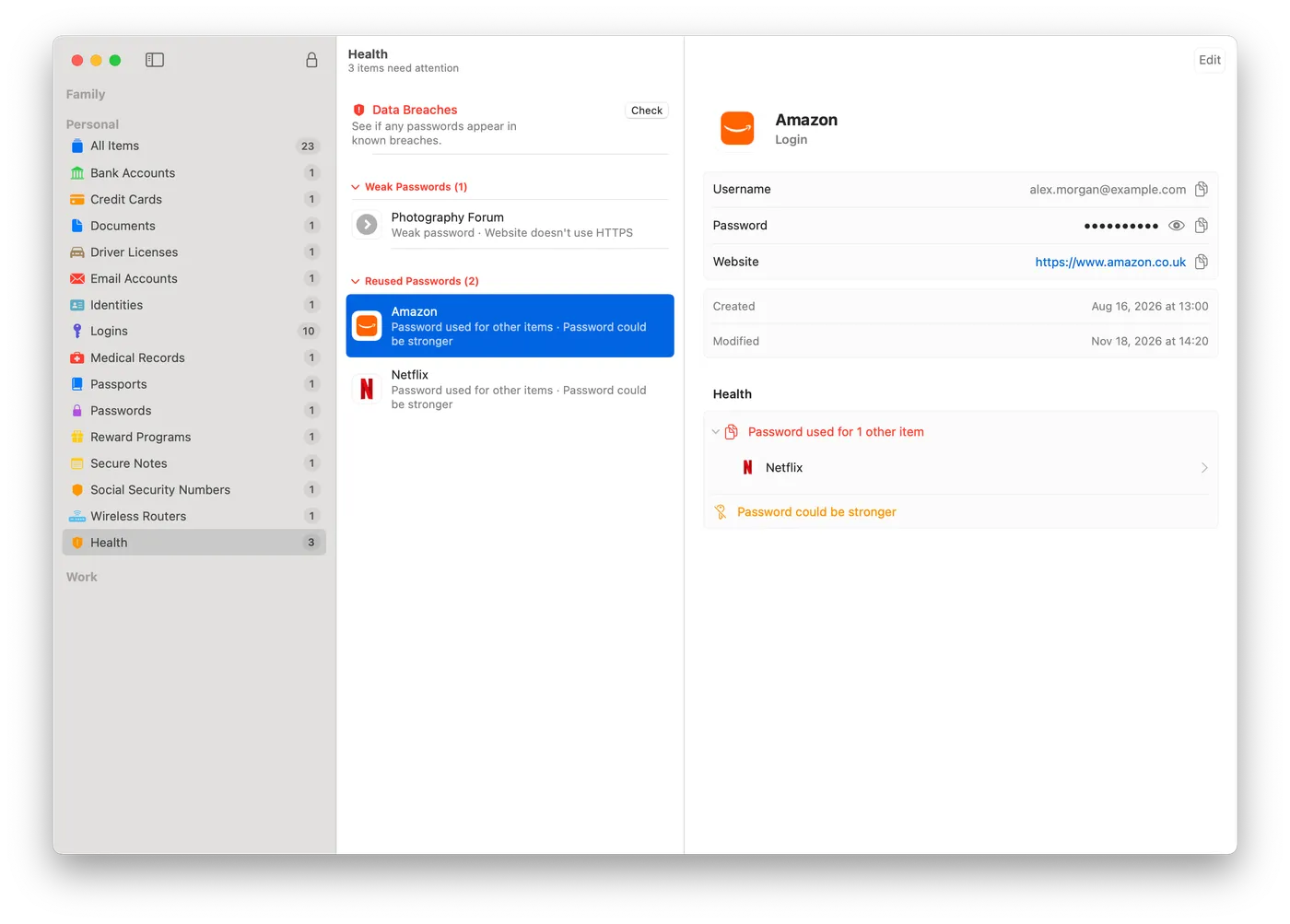
Password health
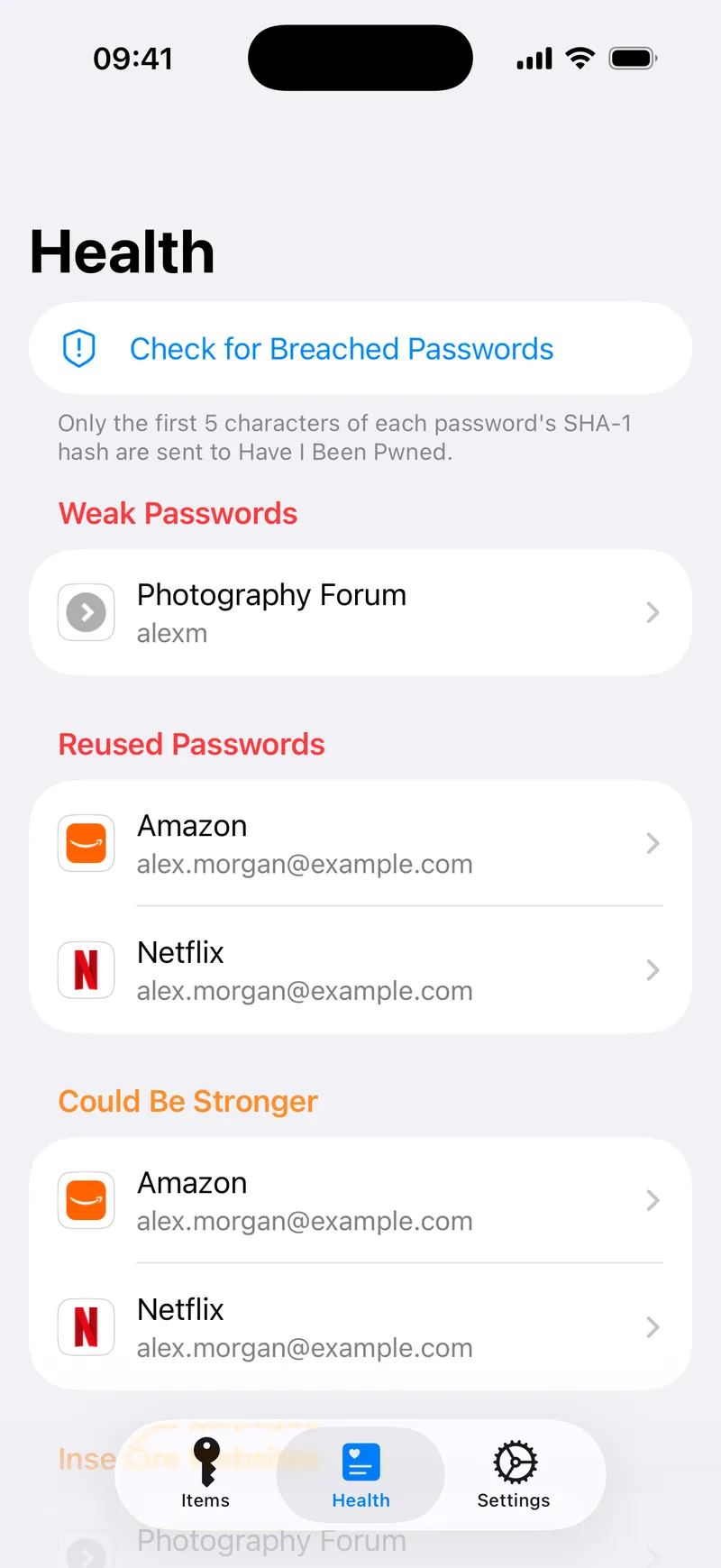
Find weak, reused and old passwords, and check for breached ones without revealing them. Only the first five characters of a password’s hash ever leave your device.
Quick, careful unlocking
Unlock with Touch ID, with your master password still required regularly. Copied passwords are hidden from clipboard history and cleared after 30 seconds.
Bring your passwords with you
Import from a 1Password export in a few clicks, and see every view, copy and change in a private audit log.
A native app everywhere
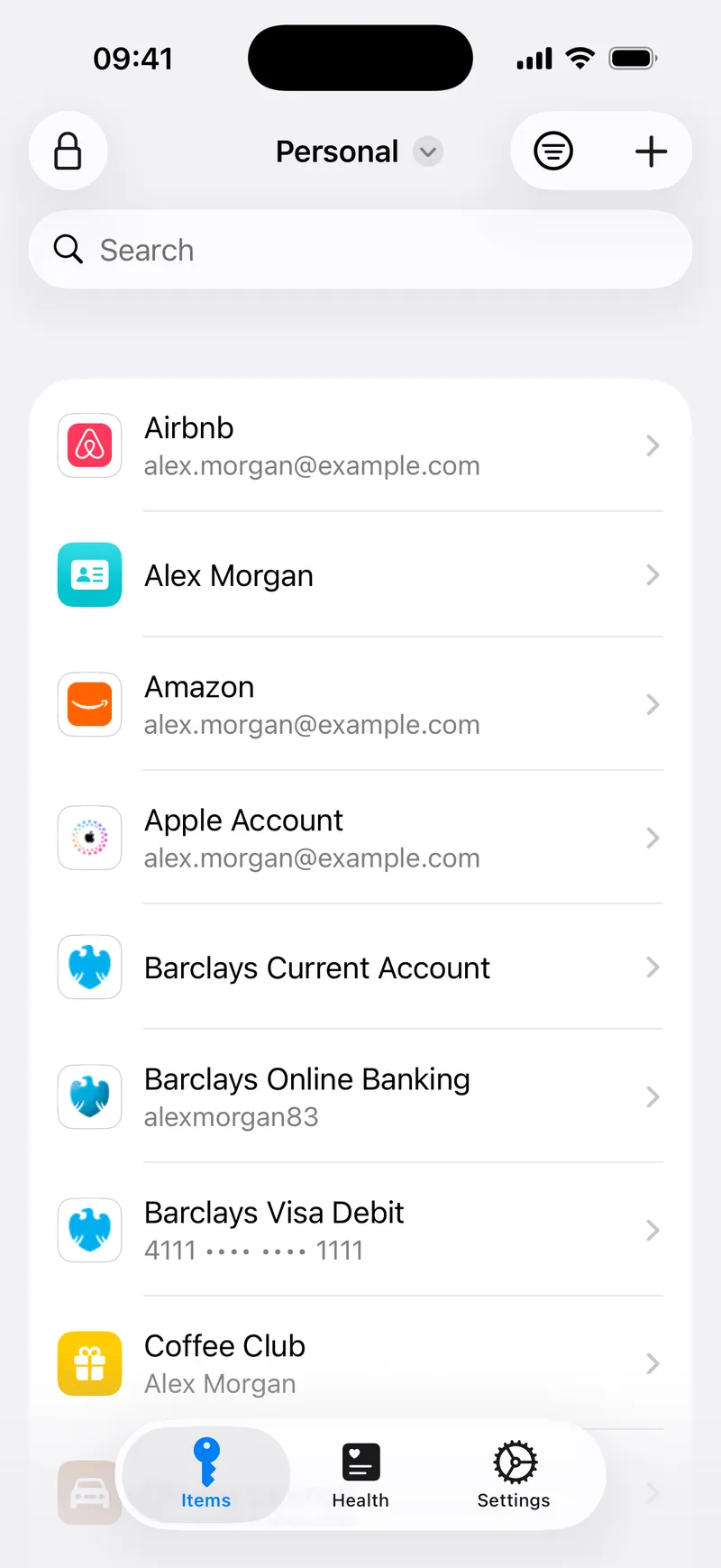
Built for each platform with its own tools: SwiftUI on the Mac, WinUI on Windows, GTK and Qt on Linux, and native apps on iPhone and Android.
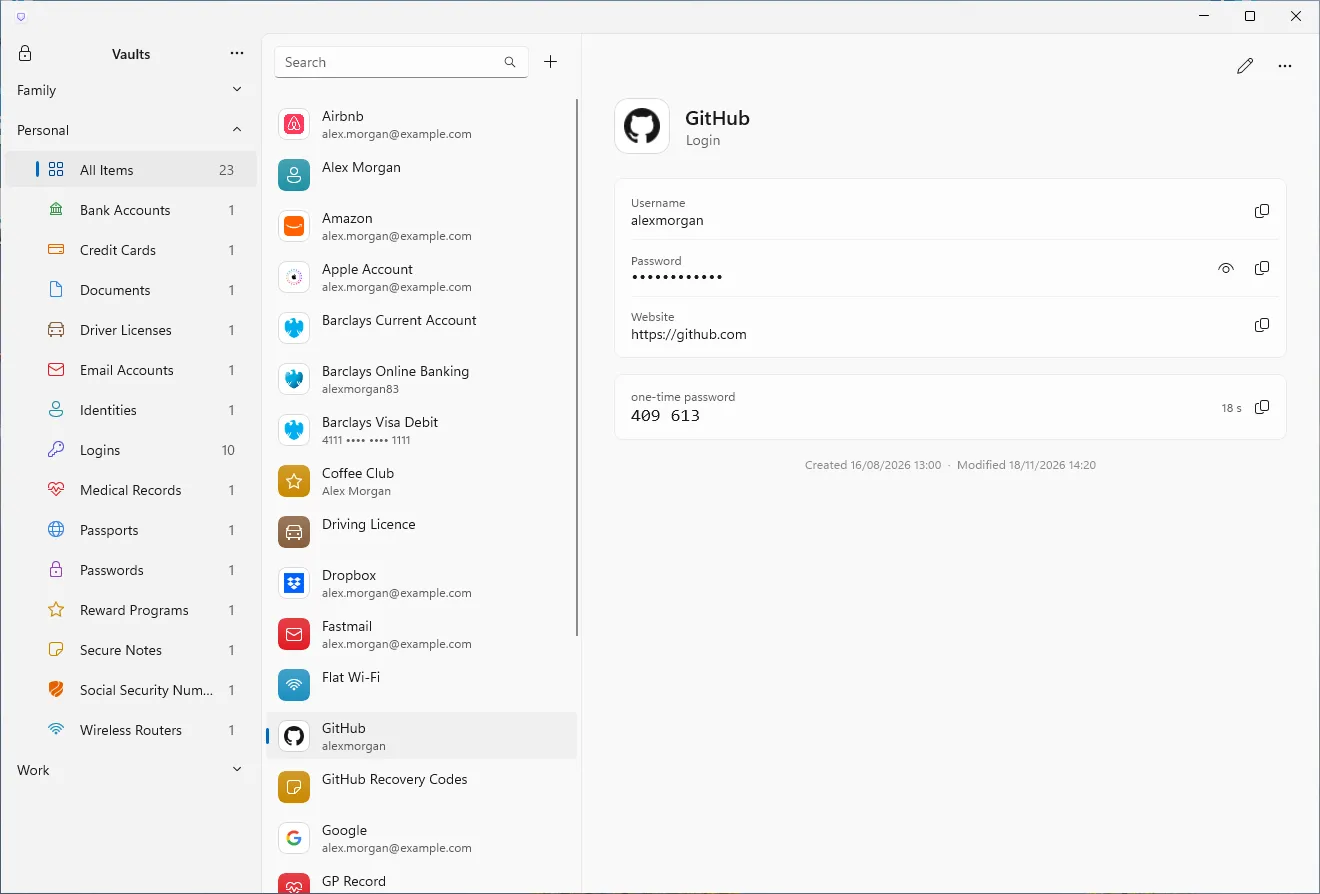
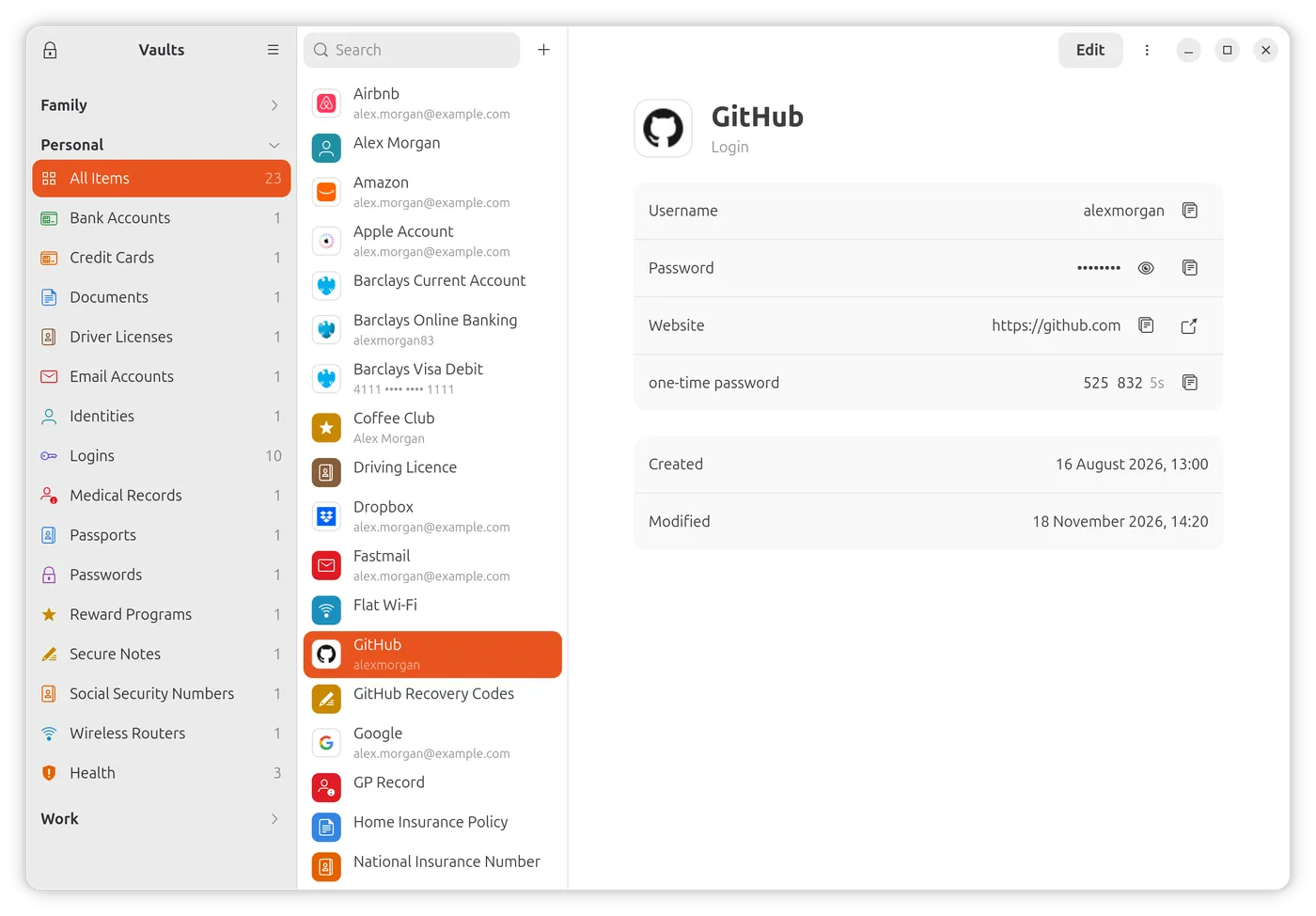
At home on every platform
Each app is built with its platform's own tools, so it looks and works the way you expect there. Here is the same vault on Windows and Linux.
A closer look
Availability
Beta access is open. The Mac, Windows and Linux apps are free and ready to try now. The iPhone and Android apps are in development and coming soon, for a one-time payment. Follow our articles for progress.
- MacBeta
- WindowsBeta
- LinuxBeta
- iPhoneComing soon
- AndroidComing soon